One place for clients to see everything.
Give every client their own login with dashboards, request tracking, and reports. Reduce back-and-forth emails by 80%.
Why your agency needs a client portal
Without a client portal, your agency's communication looks like this: clients email asking for updates, you pull data and write a response, they reply with follow-up questions, and the cycle repeats. Multiply that by 10 or 20 clients and you've lost half your week to email.
A client portal flips this dynamic. Instead of you pushing information to clients, they pull it themselves. They log in, see their dashboard, check the status of their requests, and get the answers they need without sending a single email.
The result? Clients feel more informed and in control. You spend less time on status updates and more time on work that actually moves the needle. It's a better experience for everyone.
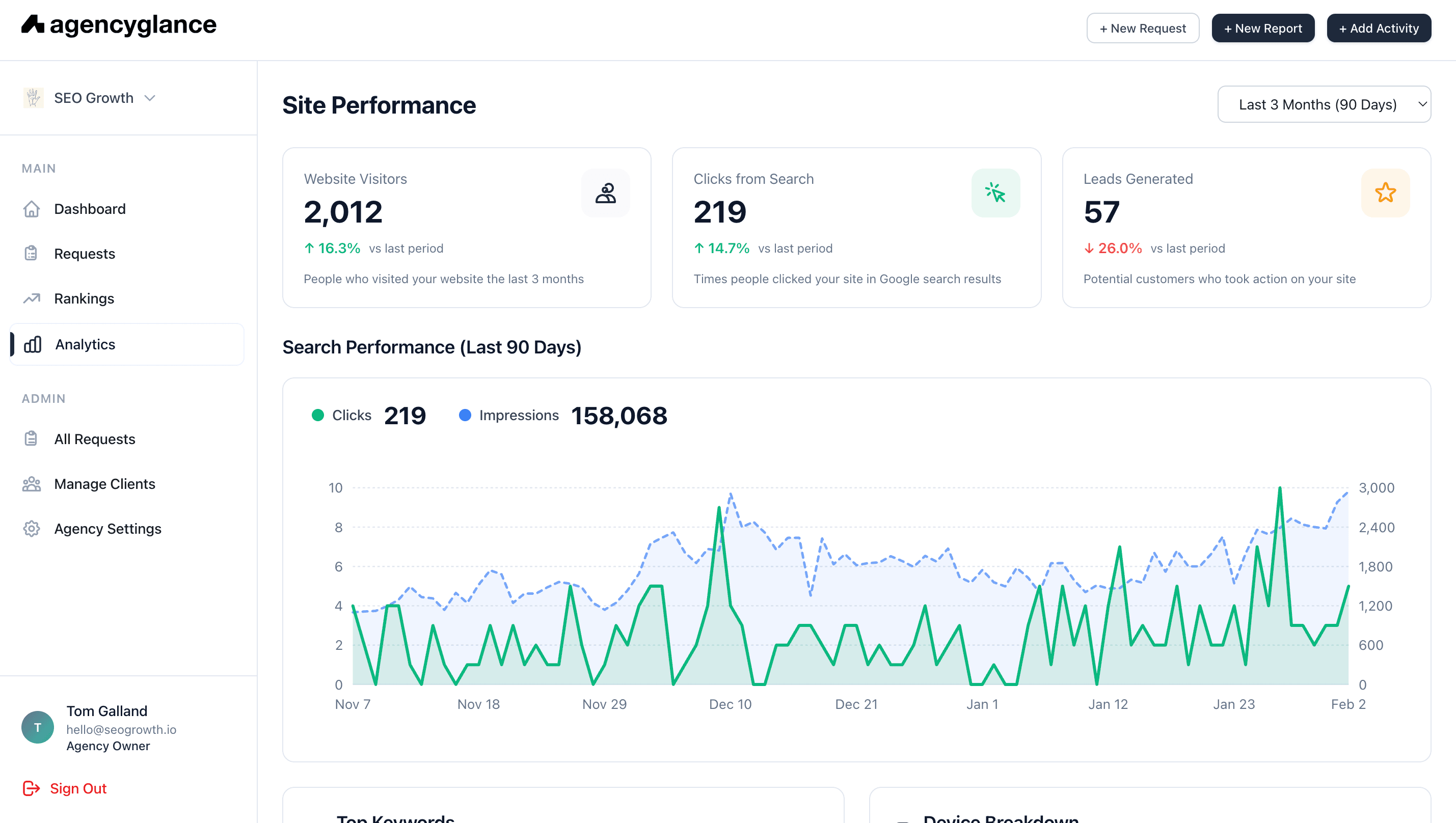
Self-serve performance data
Clients log in and see their Google Ads, SEO, and Analytics data without asking you for it. Real-time dashboards that answer their questions before they ask.
- Live Google Ads and SEO dashboards
- Custom date range selection
- Period-over-period comparisons
- Mobile-friendly for on-the-go access
Built-in request system
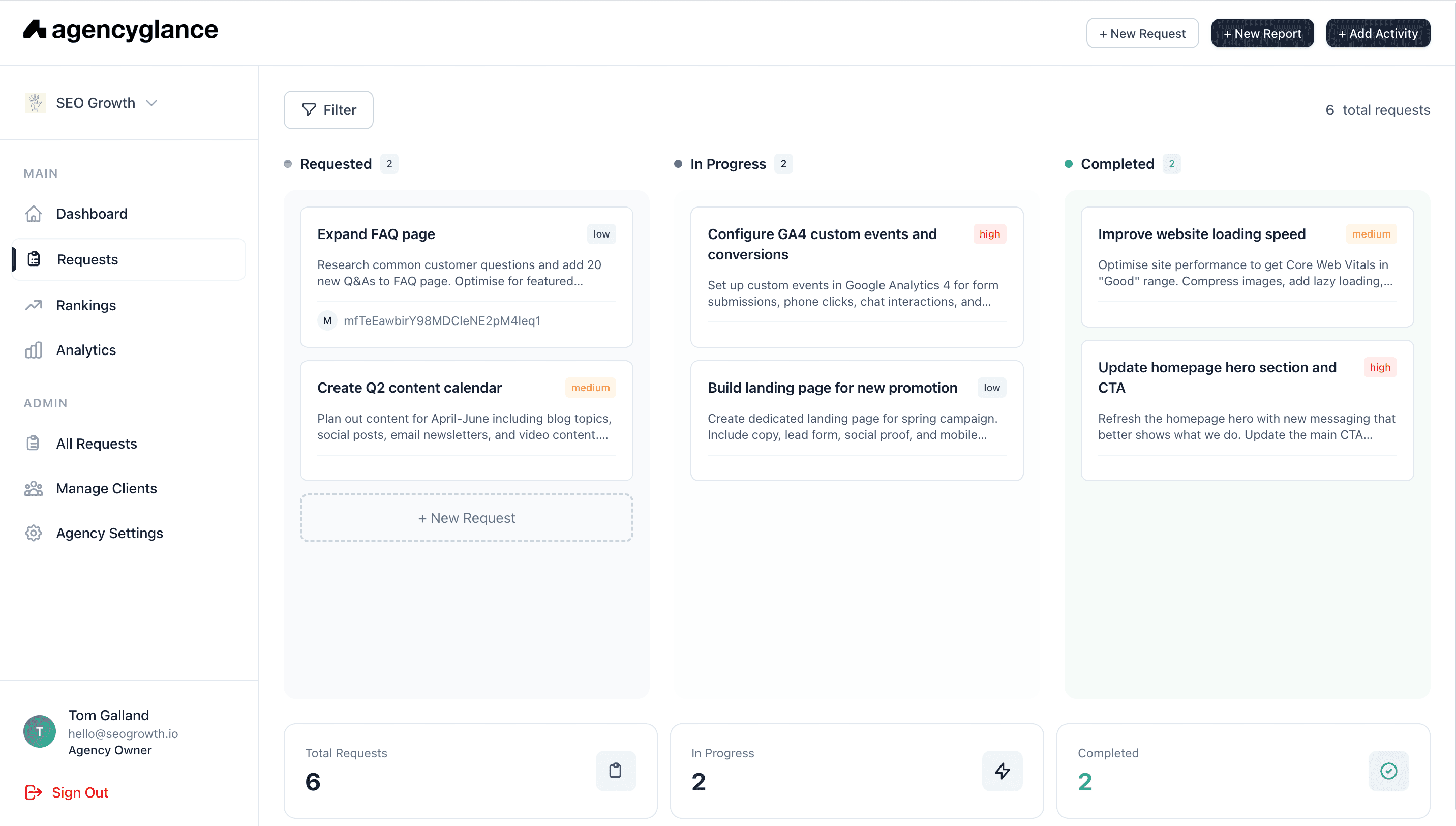
Clients submit requests directly through the portal. No more digging through email threads to find what was asked for. Everything is tracked in one place.
- Simple request submission form
- Priority levels and categories
- Status tracking (pending, in progress, done)
- Comment threads on each request
One-click client invitations
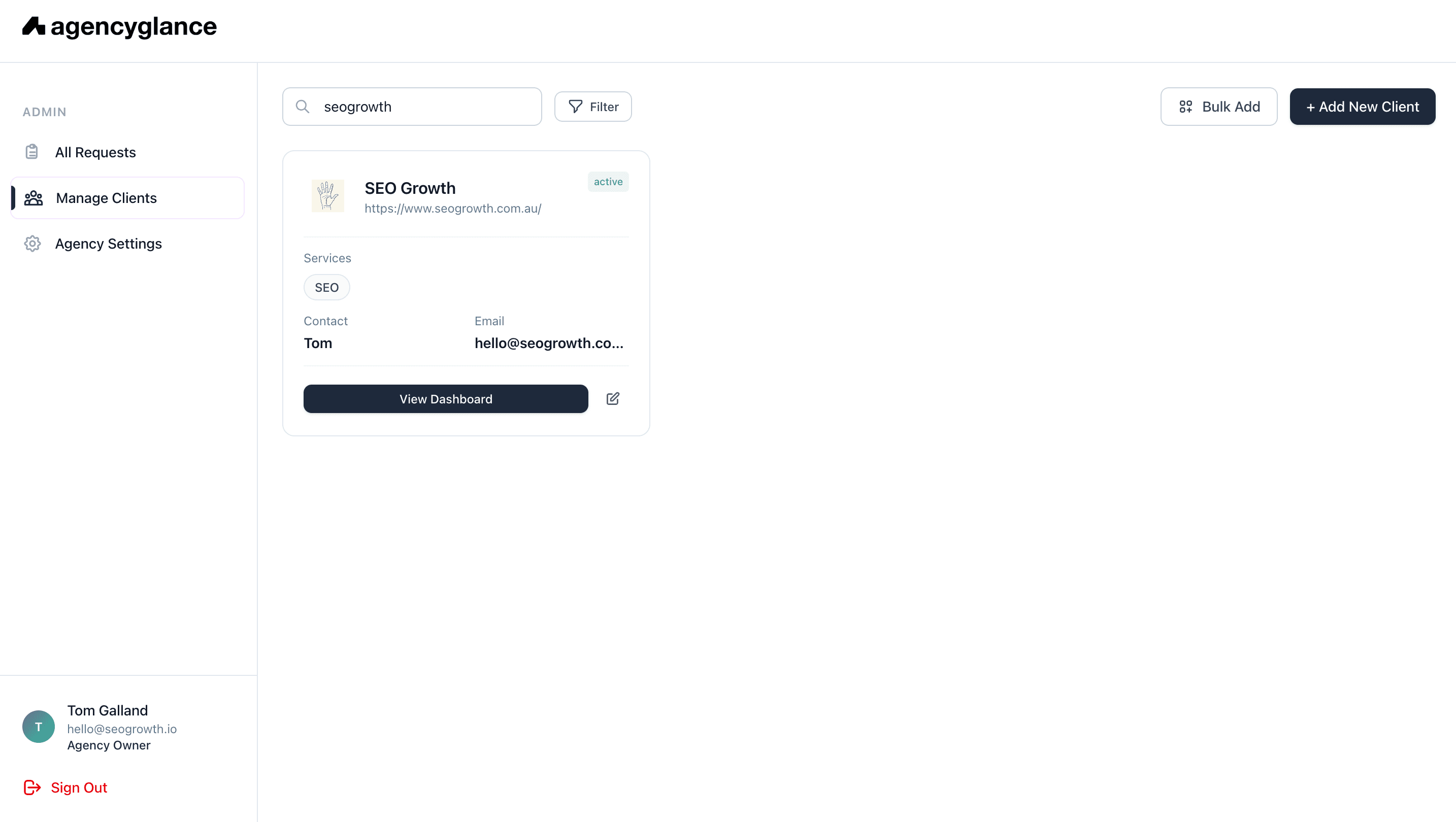
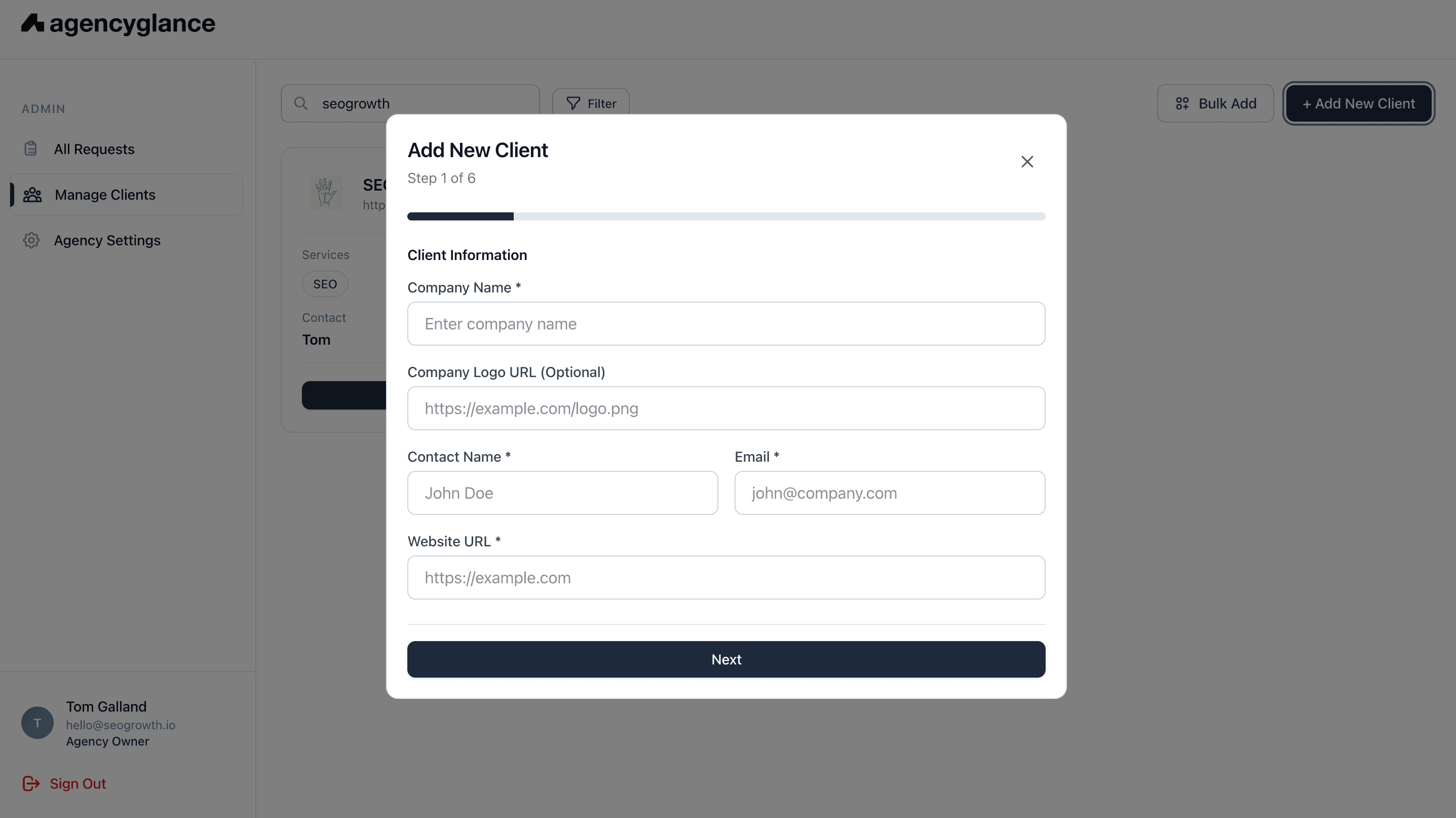
Adding a new client takes 30 seconds. Enter their email, click invite, and they'll receive a link to set up their account and access their dashboard.
- Email invitation with one click
- Clients set their own password
- Instant access to their dashboard
- Invite multiple team members per client
How agencies use the client portal
Monthly check-ins
Instead of building a report deck, walk clients through their live dashboard during monthly calls. Data is always current.
Request management
Clients submit content requests, bug reports, and campaign changes through the portal. You manage them in a Kanban board.
Client onboarding
New clients get immediate access to their dashboard. It sets the tone for a transparent, data-driven relationship from day one.
Frequently asked questions
Clients can view their performance dashboards (Google Ads, SEO, Analytics), submit requests for work, track the status of ongoing tasks, and access reports. Everything they need in one place.